
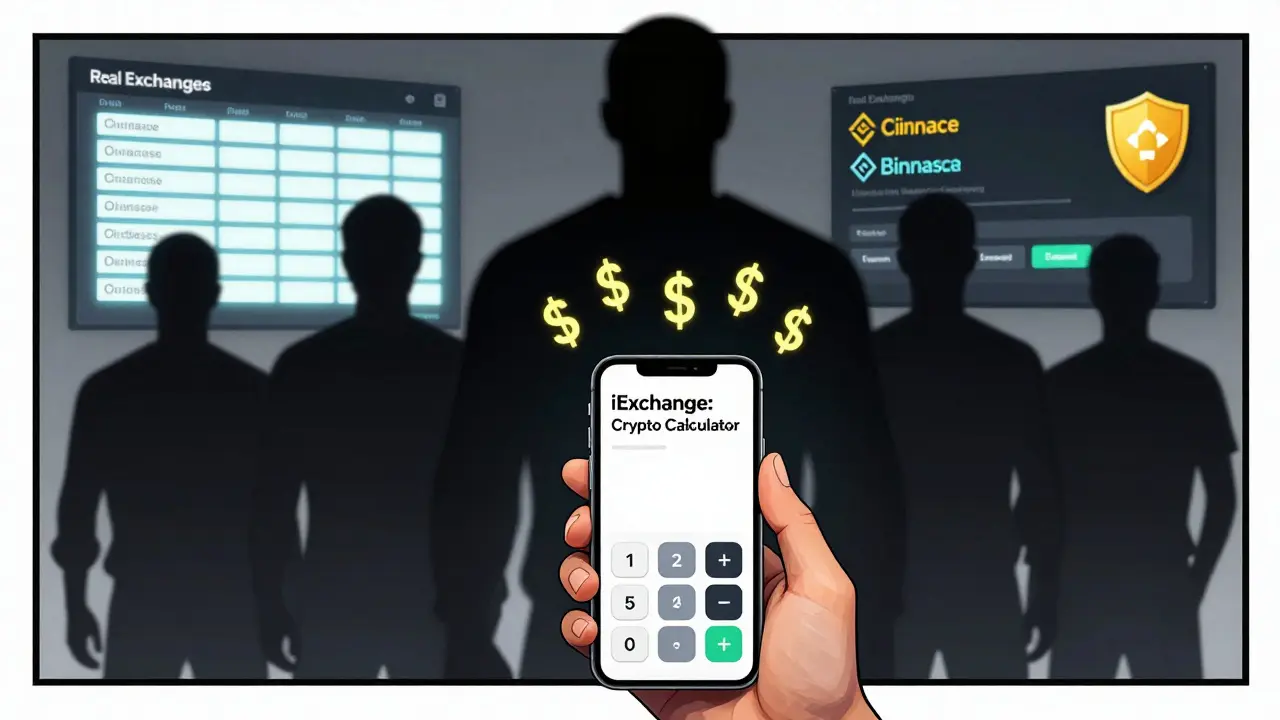
Many people search for "iExchange crypto exchange" expecting a place to buy, sell, or trade Bitcoin, Ethereum, or other cryptocurrencies. But if you click through to the app, you’ll quickly realize something’s off. There’s no order book. No deposit button. No way to withdraw your coins. That’s because iExchange isn’t a crypto exchange at all. It’s a calculator app.
What iExchange Actually Is
The app, officially called "iExchange: Crypto Calculator," is listed on the iOS App Store as an 18+ tool for converting cryptocurrency values into fiat currencies like USD, EUR, or GBP. It lets you type in how much Bitcoin or Dogecoin you own, and it shows you the current dollar value based on live market rates. That’s it. No trading. No wallets. No deposits. No withdrawals.Think of it like a currency converter for crypto - similar to how you’d use Google to check the euro-to-dollar rate. It doesn’t let you buy euros. It just tells you what they’re worth right now. The app’s description talks about "seizing control of your financial destiny," but that’s marketing fluff. You’re not controlling anything. You’re just reading numbers.
Why People Get Confused
The name "iExchange" is the problem. It sounds like a platform like Binance, Coinbase, or Kraken. It’s designed to trick people into thinking it’s a full-service exchange. That’s not an accident. Apps like this rely on vague branding to attract users who don’t know the difference between a calculator and a trading platform.Real crypto exchanges have:
- Order books showing buy and sell bids
- Trading pairs like BTC/USDT or ETH/EUR
- Deposit addresses for sending crypto
- Withdrawal options to send coins to your own wallet
- Two-factor authentication and cold storage for security
- Customer support teams you can actually contact
iExchange has none of these. It doesn’t even have a website. No blog. No support email. No Twitter. Just the App Store listing and the app itself.
What You Can’t Do With iExchange
If you’re hoping to use this app to start trading crypto, you’re out of luck. Here’s what you absolutely cannot do:- Buy Bitcoin with your credit card
- Sell your Ethereum for cash
- Stake your coins to earn interest
- Trade futures or leverage
- Connect your hardware wallet
- Track your portfolio across multiple exchanges
It doesn’t store your private keys. It doesn’t hold your funds. It doesn’t even know who you are. It’s a one-way tool: you input a number, it gives you a result. No interaction beyond that.
How It Compares to Real Crypto Exchanges
| Feature | iExchange: Crypto Calculator | Real Exchanges (e.g., Coinbase, Kraken) |
|---|---|---|
| Buy/Sell Crypto | No | Yes |
| Deposit Crypto | No | Yes |
| Withdraw Crypto | No | Yes |
| Trading Pairs | No | 100+ (BTC/USD, ETH/EUR, etc.) |
| Security Features | None | 2FA, cold storage, insurance |
| Fiat On-Ramps | No | Yes (bank transfer, card) |
| Portfolio Tracking | Basic value display only | Full portfolio, historical charts, alerts |
| Customer Support | None | Email, chat, help center |
There’s no comparison. iExchange is a utility tool. Real exchanges are financial platforms. One helps you understand prices. The other lets you build wealth.
Who Should Use iExchange?
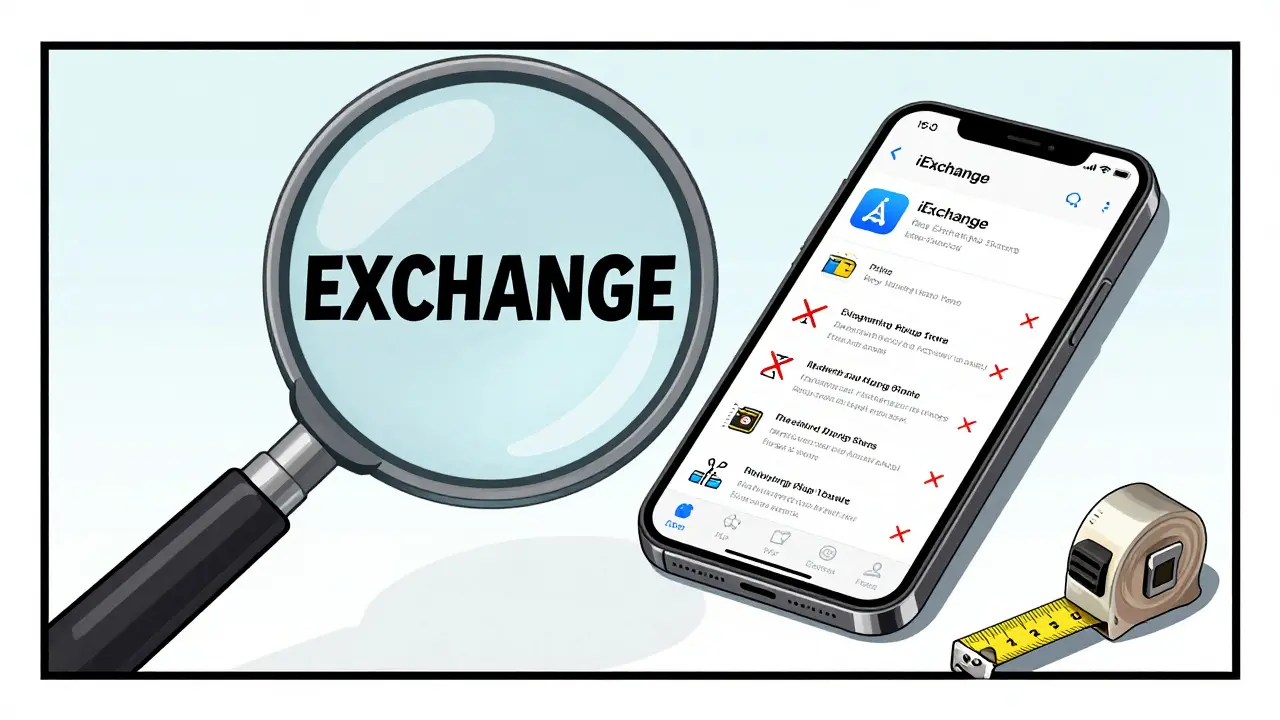
If you’re a casual crypto user who just wants to know how much your 0.5 BTC is worth today, this app might be handy. It’s simple. It’s free. It loads fast. It doesn’t ask for your phone number or email. If you’re not planning to trade, and you just need a quick conversion tool on your iPhone, then sure - use it.But if you’re serious about crypto - if you’re buying, holding, staking, or trading - this app won’t help you. It’s like buying a tape measure and thinking you can build a house with it. You need the hammer, the nails, the saw, and the blueprint. iExchange is just the tape measure.
What to Use Instead
If you want to actually trade crypto, here are better options:- Coinbase - Best for beginners. Simple interface, FDIC-insured USD balances, easy bank links.
- Kraken - Low fees, advanced tools, strong security. Great for active traders.
- Binance - Largest trading volume, 500+ coins, futures and staking.
- Bybit - Strong for derivatives and margin trading.
- Uniswap - Decentralized exchange if you want full control over your keys.
All of these let you buy, sell, and move your coins. None of them just tell you what they’re worth.

Red Flags to Watch For
Apps like iExchange are part of a growing trend of fake or misleading crypto tools. Here’s how to spot them:- Name sounds too official ("iExchange," "CryptoBank," "BitTrust")
- No website, no social media, no contact info
- Claims like "earn passive income" or "get rich quick" without explaining how
- Only available on one app store (iOS only, no Android)
- Zero reviews or ratings, or reviews that sound robotic
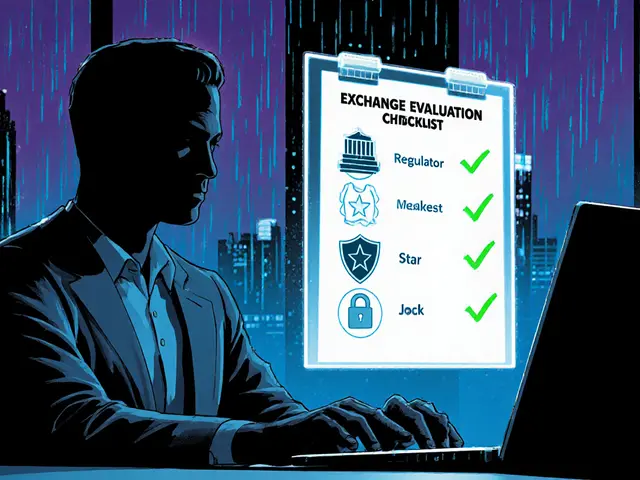
Real platforms have transparency. They show their team. They list their licenses. They answer questions. Fake ones vanish when you ask for details.
The Bigger Problem
This isn’t just about one app. It’s about how easy it is to fool people in crypto. New users don’t know the difference between a calculator and a wallet. They see "exchange" in the name and assume it’s safe. They download it. They think they’re in control. Then they realize they can’t move their coins - because they never had any to begin with.The crypto space is full of tools that look like platforms. The best defense is knowledge. Know what you’re downloading. Know what it can and can’t do. Don’t trust the name. Look at the features.
Final Verdict
iExchange: Crypto Calculator is not a crypto exchange. It’s a simple, free, iOS-only tool for converting crypto values. It’s harmless if you use it for what it is. But if you think you can trade with it, you’re setting yourself up for disappointment - or worse, a scam.If you want to trade crypto, use a real exchange. If you just want to know how much your coins are worth, this app works. But don’t confuse the two. Your money depends on it.
Is iExchange a real crypto exchange?
No, iExchange is not a crypto exchange. It’s a calculator app for iOS that shows the current value of your cryptocurrency holdings in fiat currency. It doesn’t allow buying, selling, depositing, or withdrawing any crypto.
Can I buy Bitcoin on iExchange?
No, you cannot buy Bitcoin or any other cryptocurrency on iExchange. The app only calculates the current market value of coins you already own. It has no trading functionality, no payment gateways, and no wallet integration.
Is iExchange safe to use?
iExchange is safe in the sense that it doesn’t steal your money - because it can’t. It doesn’t hold your funds, doesn’t ask for private keys, and doesn’t connect to your bank. But it’s not secure in the way a real exchange is: there’s no support, no updates, and no transparency. Use it only as a price checker, nothing more.
Why does iExchange have "exchange" in the name?
The name is misleading by design. It tricks users into thinking it’s a full-service trading platform. This is a common tactic used by apps that offer little real value but want to appear legitimate. Always check features, not names, when evaluating crypto tools.
Are there better alternatives to iExchange?
Yes. For price checking, use CoinGecko or CoinMarketCap apps - they’re free, more accurate, and show more data. For trading, use Coinbase, Kraken, or Binance. These platforms let you buy, sell, and store crypto securely - something iExchange cannot do.
Does iExchange work on Android?
No, iExchange: Crypto Calculator is only available on the iOS App Store. There is no official Android version. If you see an Android app with the same name, it’s likely a fake or malware.
Can I trust the price data from iExchange?
The price data is likely pulled from public APIs, so it’s usually accurate for basic purposes. But since the app isn’t maintained by a known company, there’s no guarantee the data is updated in real time or sourced from reliable exchanges. For serious trading, use trusted platforms like CoinGecko or Binance for live prices.

Akhil Mathew
January 31 2026iExchange is such a classic bait-and-switch. I downloaded it thinking I could trade, then spent 20 minutes trying to find a deposit button. Facepalm. I’ve seen this before with fake DeFi apps - name sounds legit, but it’s just a glorified price ticker. Don’t fall for it.
Real exchanges have KYC, support, and actual liquidity. This? Zero. Just a pretty UI with zero functionality. Sad how easy it is to trick newbies.
Pro tip: If it doesn’t let you withdraw, it’s not yours. Period.
Tom Sheppard
February 2 2026OMG I DID THIS TOO 😭 I thought iExchange was my gateway to crypto riches… turned out I was just using a calculator with a fancy logo. My bad for not reading the tiny print. But seriously, who names an app ‘iExchange’ and expects people to think it’s NOT a real exchange? That’s just lazy + shady.
Also no Android version?? Bro, that’s a red flag bigger than my crypto losses last year 💸
Ramona Langthaler
February 3 2026This is why America’s crypto scene is a dumpster fire. People download apps with names like ‘iExchange’ like it’s a damn iPhone wallpaper. No research. No common sense. You think you’re investing but you’re just staring at numbers on a screen. And then you blame the market when you lose money.
Real traders don’t need apps that ‘show value.’ They use exchanges. They hold keys. They know the difference between a tool and a trap.
Stop being sheep.
Robert Mills
February 4 2026Just use CoinGecko. Free. Works on everything. Shows charts. Real data. No drama. Done.
Stop wasting time on fake apps.
Joseph Pietrasik
February 5 2026Wait so you’re saying this app isn’t a scam because it doesn’t steal your money? That’s not safety thats just incompetence. A toaster that doesn’t burn your bread isn’t a gourmet oven. This app is a glorified sticky note with a logo. And people are calling it a crypto platform? LOL. The whole industry is a joke.
Raju Bhagat
February 7 2026Bro I downloaded this app and told my whole family about it like I was some crypto guru 😅 then I realized I couldn’t even send my dogecoin out of it. My cousin asked me why I was so excited and I just sat there like a dummy. I felt so dumb. But hey at least it was free? I guess? 😅
Now I use Coinbase and I’m not embarrassed anymore. Lesson learned the hard way.
laurence watson
February 7 2026I get why people fall for this. Crypto is overwhelming. You see ‘exchange’ and your brain fills in the blanks. You’re not dumb for thinking it’s real - you’re just new. That’s okay.
The real problem is that these apps are designed to prey on that exact feeling. No one should have to learn the hard way. We need better education, not more apps that look like real platforms.
Thanks for calling this out. It matters.
Elizabeth Jones
February 9 2026The deeper issue here isn’t the app - it’s the epistemological confusion surrounding digital assets. When language is weaponized - when ‘exchange’ becomes a performative signifier rather than a functional descriptor - we create a semantic vacuum where ignorance thrives.
People don’t mistake iExchange for a trading platform because they’re stupid. They mistake it because the entire ecosystem has normalized linguistic deception as a growth hack. This is systemic. Not individual.
We must demand semantic integrity in financial tech. Otherwise, we’re just building castles on sand.
Pamela Mainama
February 11 2026Use CoinGecko. It’s free, clean, and actually useful. No drama. Just numbers.
And don’t trust names. Check features.
Rachel Stone
February 11 2026So the app doesn’t let you trade… big surprise. Guess what else doesn’t let you trade? A rock. A spoon. A dictionary.
Somehow this is news?
Nickole Fennell
February 12 2026I HATE THIS. I saw this app and thought I was finally going to get rich. I told my mom. I posted about it on Instagram. I even showed my boyfriend. And then… nothing. No buy button. No wallet. Just… numbers. I cried. I felt so used. Like the app was laughing at me. Why does this keep happening? Who’s designing these things? Are they even human?
Gurpreet Singh
February 14 2026Back home in Punjab, my uncle tried to use this app to ‘buy Bitcoin’ because his cousin told him it was ‘the new way.’ He didn’t even know what blockchain meant. Just saw ‘iExchange’ and thought it was like Paytm for crypto.
It’s not just Western users - this is a global problem. People trust names. They don’t read. We need simple explainer videos in local languages. Not more apps that lie.
Will Pimblett
February 16 2026Classic. Name it ‘iExchange’ and watch the gullible flock in. Meanwhile, the devs are sipping espresso in some co-working space in Bangalore, laughing at how easy it is to monetize ignorance.
Real exchanges have GitHub repos. This app doesn’t even have a privacy policy. It’s not a tool. It’s a Trojan horse with a cute icon.
Christopher Michael
February 17 2026For anyone confused: iExchange is NOT a wallet. NOT a DEX. NOT a CEX. It’s a price calculator. Full stop.
Here’s what you should use instead:
- For beginners: Coinbase (simple, insured)
- For traders: Kraken or Binance (deep liquidity)
- For privacy: Uniswap + MetaMask
- For price checks: CoinGecko or CoinMarketCap (better than iExchange, and they show volume, market cap, historical data)
Also, if the app has no website, no Twitter, no support email - DELETE IT. It’s not ‘minimalist,’ it’s sketchy.
Parth Makwana
February 18 2026The proliferation of pseudo-financial utilities like iExchange is symptomatic of a broader degeneration in fintech UX design philosophy. The ontological integrity of financial instruments has been subordinated to performative branding, wherein lexical signifiers (e.g., ‘exchange,’ ‘bank,’ ‘trust’) are deployed as heuristic proxies for functionality - a cognitive shortcut that exploits the heuristic biases of neophyte users.
Such applications represent not innovation, but parasitic mimicry - leveraging semantic ambiguity to extract user attention without delivering commensurate utility. The result is a fragmented trust architecture wherein the user’s epistemic labor is outsourced to marketing departments.
Regulatory intervention is not merely advisable - it is imperative.
Elle M
February 20 2026Of course it’s not a real exchange. It’s an iOS-only app with no Android version. That’s not an oversight - it’s a scam blueprint. Real companies build for everyone. Fake ones target the lazy and the gullible.
And don’t even get me started on the ‘seize control of your financial destiny’ nonsense. You can’t even control your own damn portfolio. You’re just staring at a price ticker.
USA needs to ban these apps. They’re worse than pyramid schemes - at least those have a payout structure.
Rico Romano
February 22 2026Anyone who downloads iExchange and doesn’t immediately realize it’s a calculator app shouldn’t be allowed to own a smartphone. Or a bank account. Or a brain.
There’s a reason Coinbase has 100 million users and this app has zero reviews. It’s because real people have standards. You’re not ‘early’ - you’re just early to being scammed.
Devyn Ranere-Carleton
February 22 2026wait so it just shows prices? like… that’s it? no buying? no selling? no nothing? then why does it have a logo that looks like a real exchange? i thought i was getting into crypto but i just got a fancy calculator. i feel so dumb. but also kinda mad?
Kevin Thomas
February 23 2026Listen up. If you’re new to crypto and you’re using an app that doesn’t let you withdraw, you’re not investing - you’re just watching TV.
Here’s what you do: Download Coinbase. Link your bank. Buy $10 of BTC. Send it to your own wallet. Then you’ll understand what ‘owning crypto’ actually means.
Don’t let apps like iExchange make you feel like you’re part of the revolution. You’re just a spectator.
Jerry Ogah
February 25 2026This is why crypto is doomed. People are too lazy to read. They see ‘exchange’ and think they’re Elon Musk. Then they lose everything. And then they blame the market. The system is rigged because we let it be. No one’s protecting these idiots. And I’m tired of it. You want to play with money? Learn first. Don’t just tap an icon and hope.
Andrea Demontis
February 27 2026It’s fascinating how deeply embedded the myth of ‘financial empowerment through technology’ has become. We’ve been sold the idea that if something is digital, it’s inherently democratizing. But iExchange exposes the lie: digital tools can be just as exclusionary, just as manipulative, as any traditional institution - perhaps more so, because they mask their limitations behind sleek UIs and aspirational branding.
When you download an app called ‘iExchange,’ you’re not just downloading a calculator. You’re internalizing a narrative: that wealth is accessible with a tap. But wealth requires infrastructure, knowledge, and agency. None of which this app provides. It offers the illusion of participation without the substance of power.
This isn’t about one bad app. It’s about a culture that confuses interface with agency, and aesthetics with authority.
Edward Drawde
March 1 2026They got me too. I thought iExchange was my ticket to becoming a crypto millionaire. Then I realized I couldn’t even send my 0.001 BTC out. I felt so used. Like I was dating someone who said they loved me but never texted back.
Now I just use CoinGecko. It’s free. It’s real. And it doesn’t lie.
Richard Kemp
March 2 2026just used it once to check my btc value. it worked. i didnt try to deposit or anything. i know its not a real exchange. but it does what it says. its not a scam if you dont expect it to do more than it does. its just badly named. like calling a hammer a 'house builder'
Crystal Underwood
March 2 2026Of course this is a trap. Every ‘i’ app is a trap. iWallet. iExchange. iCoin. iTrust. They all sound like Apple products so you assume they’re safe. But Apple doesn’t make crypto apps. They make iPhones. This is a phishing app with a cute logo. And if you think this is the only one - you’re already in the herd.
Real crypto doesn’t need ‘i’ prefixes. It needs private keys. Not pretty icons.
Meenal Sharma
March 4 2026Have you considered that iExchange is a psyop? Designed not to steal funds, but to normalize the idea that crypto can be controlled via a single tap? That the real goal isn’t to trick users into depositing - but to condition them to believe that financial autonomy is a UI element?
This is the soft entry point into a future where your ‘crypto portfolio’ is managed by algorithms you don’t understand, owned by corporations you can’t audit.
They don’t need your money. They need your trust.