
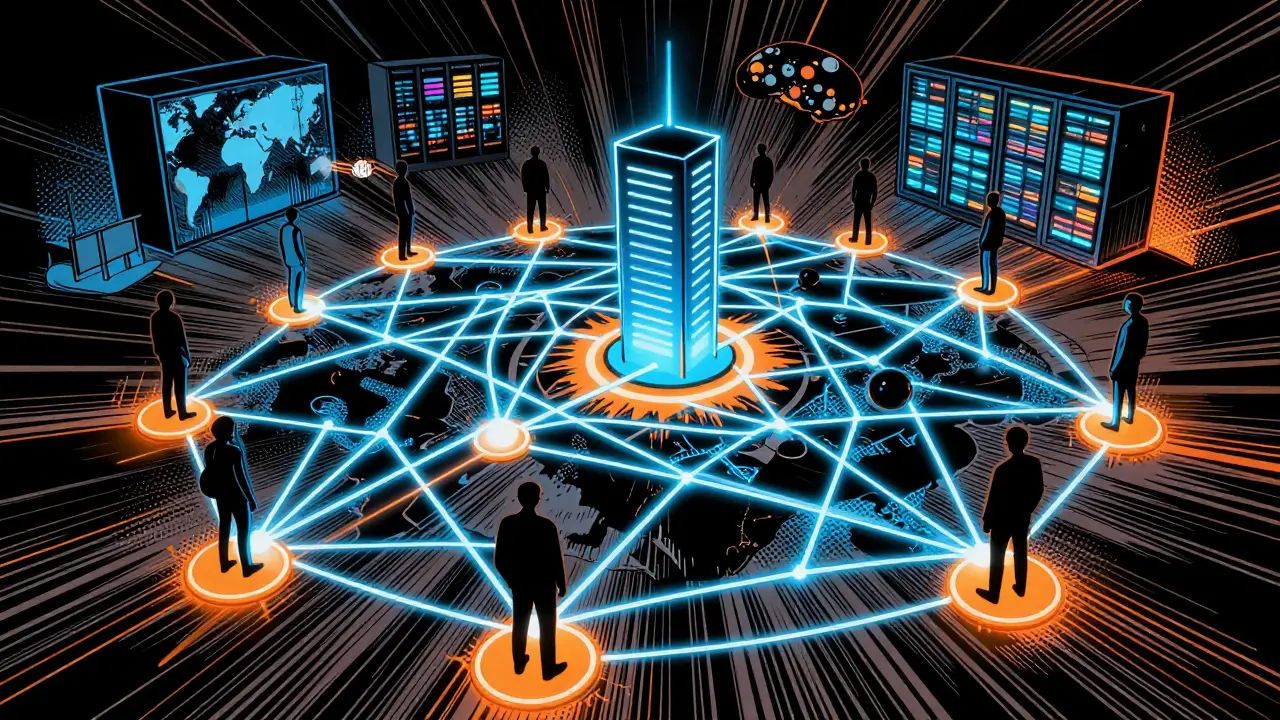
Imagine trying to send money to someone across the world without a bank, a payment processor, or any middleman checking your balance. It sounds like science fiction, but it’s exactly what happens every time you move Bitcoin is a decentralized digital currency that operates on a peer-to-peer network without central authority.. The magic isn't just in the code; it’s in the architecture. Specifically, it relies on a system called a Peer-to-Peer (P2P) network. This isn’t a new concept-file-sharing services like Napster used similar ideas-but Bitcoin applied it to finance in a way that changed everything.
If you’ve ever wondered how thousands of strangers around the globe agree on who owns what without a boss telling them, you’re asking about the P2P network. This guide breaks down how this invisible web works, why it never goes down, and how you can actually see it in action.
The Mesh Topology: No Bosses, Just Peers
In traditional banking, you have a client-server model. You are the client; the bank is the server. The bank holds the ledger. If the bank’s server crashes, you can’t check your balance. If the bank decides to freeze your account, you’re stuck. There is a single point of failure.
Bitcoin flips this script. In a P2P network, there are no clients and no servers in the traditional sense. Every participant is a peer is a node in the Bitcoin network that acts as both client and server, maintaining equal status with other peers.. Each peer connects directly to other peers, forming a mesh topology. Think of it like a group chat where everyone can talk to everyone else simultaneously, rather than sending messages through one admin.
This flat hierarchy means every node has equal status. Whether you’re running a node in a basement in Wellington or a data center in Tokyo, your voice carries the same weight when validating transactions. This design eliminates intermediaries, reducing costs and increasing resilience. If half the network disappears, the other half keeps going. They just pick up the slack.
How Nodes Find Each Other: The Bootstrap Problem
Here’s the tricky part: When you first install Bitcoin software, you don’t know anyone. You have no list of friends to connect with. This is known as the bootstrap problem. How does a new node join a network it knows nothing about?
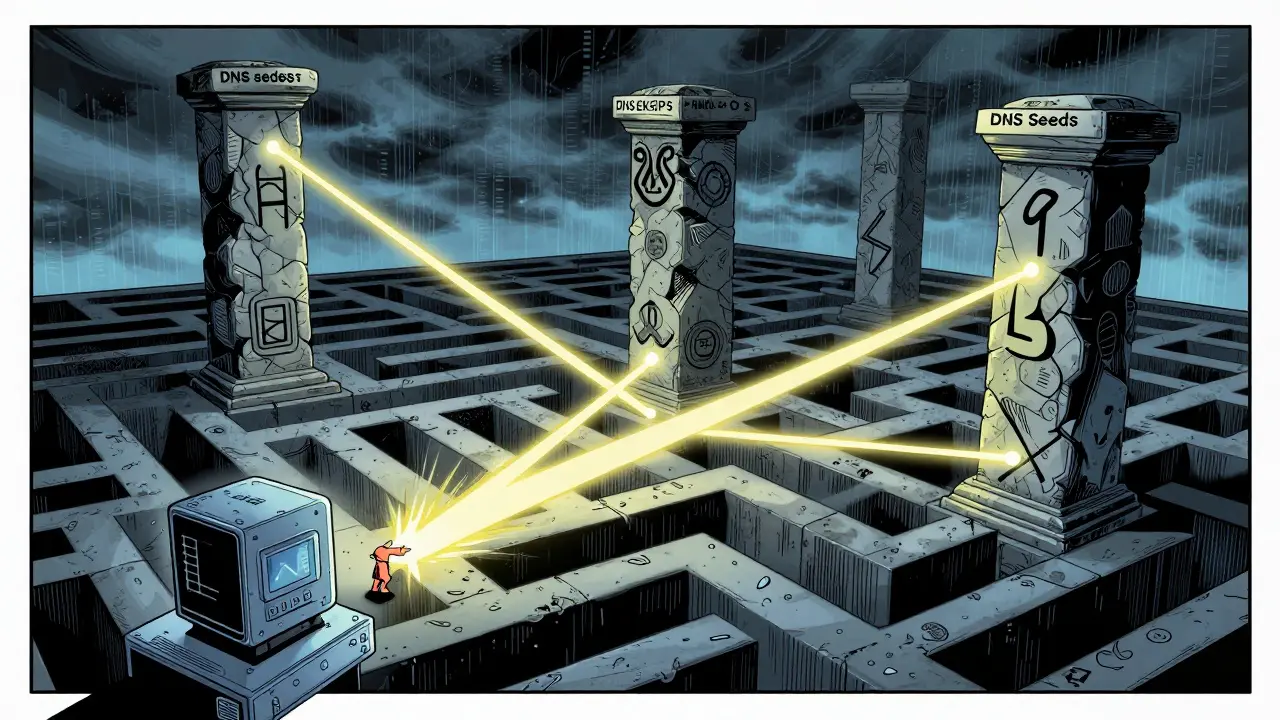
Bitcoin solves this with a multi-layered safety net. First, it tries to contact nine independent DNS seed servers. These aren’t run by one company; they’re operated by different people and organizations around the world. This makes it nearly impossible for all of them to go offline at once. If those fail, the software falls back to hard-coded IP addresses of well-known, stable nodes stored in the `chainparamseeds.h` file within Bitcoin Core is the reference implementation of the Bitcoin protocol, serving as the standard software for running full nodes..
This redundancy is genius. It ensures that even if governments try to block access or major providers shut down, new users can still find their way into the network. It’s as decentralized and resilient as bootstrapping gets.
Full Nodes vs. Pruned Nodes: Choosing Your Role
Not all peers are created equal. While they all have equal voting rights, they differ in how much data they store. Understanding this distinction is crucial if you want to participate effectively.
| Feature | Full Node | Pruned Node | SPV Client |
|---|---|---|---|
| Storage Required | 400-500 GB+ (entire history) | ~10-20 GB (recent blocks only) | Minimal (megabytes) |
| Validation Power | Verifies every transaction since 2009 | Verifies current blocks, discards old ones | Relies on full nodes for verification |
| Network Contribution | Serves historical data to others | Relays current transactions/blocks | Minimal contribution |
| Privacy & Security | Maximum sovereignty | High security, slightly less privacy | Lower privacy, trust-dependent |
A full node downloads and verifies every single block and transaction ever made on Bitcoin. As of 2025, this requires roughly 400-500 GB of storage space. These nodes are the backbone of the network because they serve historical data to newer nodes joining the system.
A pruned node also validates every transaction but deletes old block data after verifying it. This saves space while still contributing to the network’s security. However, pruned nodes can’t help new nodes catch up from scratch because they don’t have the old history.
Then there are SPV (Simplified Payment Verification) clients, which most mobile wallets use. They don’t download the blockchain. Instead, they ask full nodes, “Did this transaction happen?” and trust the answer. This is convenient but less secure because you’re relying on someone else’s honesty.
The Dance of Transactions: Relay and Validation
So, what actually happens when you send 0.1 BTC? Let’s walk through the steps.
- Broadcasting: Your wallet creates a transaction and broadcasts it to the few peers it’s connected to.
- Gossip Protocol: Those peers instantly forward the transaction to their neighbors, who forward it to theirs. Within seconds, the transaction spreads across the entire global network. This is often called the “gossip” protocol because it mimics how rumors spread in a crowd.
- Mempool Storage: Full nodes hold these unconfirmed transactions in a temporary holding area called the mempool (memory pool). Here, they wait to be included in a block.
- Mining: Miners select transactions from the mempool, bundle them into a block, and solve a complex mathematical puzzle (Proof of Work).
- Block Propagation: Once a miner finds a valid block, they broadcast it to the network. Other nodes verify the block’s validity. If it’s good, they add it to their copy of the blockchain and start working on the next one.
This process ensures that no single entity controls the flow of money. Every node independently checks the rules. If a transaction violates the rules (like spending coins twice), the node rejects it. Since thousands of nodes do this simultaneously, fraud becomes virtually impossible.
Why This Matters: Resilience and Censorship Resistance
You might think, “I just want to buy coffee. Why do I care about mesh topologies?” Because this architecture protects your freedom.
Centralized systems have single points of failure. If Visa’s servers go down, you can’t pay. If a government wants to stop a specific transfer, they call the bank. In Bitcoin’s P2P network, there’s no one to call. To stop Bitcoin, you’d have to shut down every computer running a node worldwide simultaneously. That’s technically infeasible.
This resilience was proven during various internet outages and political crises. Even if large chunks of the internet go dark, the remaining nodes keep the ledger alive. Additionally, features like Tor integration allow nodes to communicate anonymously, enhancing privacy and making censorship even harder.
Challenges: Scalability and Resource Intensity
It’s not all perfect. The P2P model has trade-offs. Centralized servers can handle millions of transactions per second because they’re optimized machines. Bitcoin’s network is slower because every node must agree on every change. This is the price of decentralization.
Running a full node is also resource-intensive. You need fast internet, plenty of storage, and 24/7 uptime. For casual users, this is a barrier. Many rely on SPV clients or third-party services, which reintroduces some level of trust. Projects like the Lightning Network aim to solve scalability by moving small transactions off-chain while keeping the main P2P network secure for final settlements.
Getting Started: Running Your Own Node
If you want to experience the P2P network firsthand, you can run your own node. You don’t need a supercomputer. A Raspberry Pi or an old laptop will work.
- Hardware: At least 400 GB SSD recommended for full nodes.
- Software: Download Bitcoin Core from the official website.
- Time: Initial sync can take days depending on your connection speed.
- Bandwidth: Expect several GB of data usage per day.
Once synced, you’ll see real-time transactions flowing through your machine. You’ll witness the network’s heartbeat. It’s a humbling reminder that you’re part of a global, borderless financial system.
What is the difference between a peer and a node in Bitcoin?
In common usage, the terms are often interchangeable. Technically, a node is the software instance running on a device, while a peer refers to its role in the network connection. When two nodes connect, they become peers to each other. All full nodes are peers, but not all peers are full nodes (some may be lightweight SPV clients).
Can I run a Bitcoin node on my home computer?
Yes, absolutely. You need a computer with at least 400-500 GB of free storage, a reliable internet connection, and enough RAM (8GB+ recommended). Bitcoin Core is available for Windows, macOS, and Linux. Keep in mind that initial synchronization can take several days, so leave your computer on during that time.
Why does Bitcoin need so many nodes?
Nodes provide security and decentralization. Each node independently verifies transactions and blocks. The more nodes there are, the harder it is for attackers to manipulate the network or censor transactions. Thousands of nodes ensure that no single entity can control the ledger.
Is the Bitcoin P2P network anonymous?
The network itself is pseudonymous, not fully anonymous. Transactions are tied to public keys, not names. However, your IP address is visible to peers you connect with. Using Tor or I2P can hide your IP address, enhancing privacy. Running your own node also improves privacy compared to using third-party wallet services.
What happens if a node goes offline?
Nothing critical. The network is designed to be fault-tolerant. Other nodes automatically adjust their connections. When the offline node comes back online, it reconnects and syncs any missed blocks. The decentralized nature ensures continuity even if significant portions of the network drop out temporarily.
Rob Morton
July 1 2026It is fascinating to consider how the removal of a central authority forces a complete reimagining of trust. We are essentially trusting mathematics and game theory rather than institutions.
Routh Middaugh
July 2 2026The bootstrap mechanism is genuinely brilliant! It ensures that no single point of failure exists even at the entry level. The redundancy provided by DNS seeds and hardcoded IPs makes the network incredibly robust against censorship or targeted attacks!
Abby Martin
July 2 2026Let's be real here, most people have no idea what they are talking about when they claim to understand this stuff. Running a full node isn't just a hobby; it is a moral imperative for anyone who actually cares about sovereignty. If you are using an SPV client, you are basically handing your financial freedom over to strangers because you are too lazy to download 500GB of data. It is pathetic really.
Mélanie Boulay
July 3 2026I appreciate the detailed breakdown of the different node types, but I think we need to be careful not to oversimplify the trade-offs involved in choosing between a full node and a pruned node, especially for users who may not have the technical expertise or the storage capacity required to maintain a full historical record of the blockchain while still contributing meaningfully to the network's overall security and decentralization efforts in a sustainable manner over time.
Maurice Flynn
July 4 2026Just sitting here watching my node sync and it is pretty wild to see the transactions flowing in real-time. It gives you a sense of connection to something much larger than yourself. Keep going everyone, the network needs us.
nancy jarecki
July 6 2026One must critically examine the epistemological implications of relying on simplified payment verification clients within the broader context of decentralized ledger technology. The assumption that one can achieve true sovereignty without maintaining the entire state vector is fundamentally flawed from a cryptographic standpoint. Most retail participants are merely engaging in performative decentralization while remaining structurally dependent on third-party validation services, which reintroduces the very counterparty risks they ostensibly seek to avoid through adoption of peer-to-peer protocols.
Robert Hundley
July 7 2026This is awesome!! I love seeing how the gossip protocol works. It is like a digital rumor mill but for money. Very cool concept! :D
Melissa L
July 8 2026i tried runing a node once but my internet wasnt fast enough and it took forever to sync. also i dont have that much space on my hard drive so i gave up. seems kinda complicated for just sending coffee money lol.
Daniel J. Cox
July 10 2026In many parts of the world, having access to reliable high-speed internet is a luxury, let alone the hardware required to run a full node. This creates a digital divide where only those with resources can truly participate in the validation process. It is important to remember that decentralization is not just about code, but about accessibility across different cultural and economic contexts. :)
Emma Rémond
July 10 2026It is quite amusing to watch the laymen struggle with the basic concepts of mesh topology. The notion that a Raspberry Pi can adequately serve as a robust participant in the global consensus mechanism is a charming delusion. True sovereignty requires enterprise-grade infrastructure and a deep understanding of the underlying cryptographic primitives. Your 'home lab' setup is likely a security liability rather than an asset to the network's resilience.
ELNORA JEFFERSON
July 12 2026another boring tech post. nobody cares about nodes. just tell me if its gonna moon or crash. this is all so tedious and unnecessary. why do we need 500gb of history? who reads that?
Carol @minaszilda
July 14 2026Running a node is a journey of self-discovery. You learn patience. You learn responsibility. You become part of a global community. Start small. Be kind to yourself. The network will wait for you.
John Curry
July 15 2026Imagine a world where your bank cannot freeze your assets. Imagine a system where the rules are immutable and transparent to all. This is not just technology; it is a philosophical shift towards individual liberty. The P2P network is the physical manifestation of this ideal. It is beautiful in its simplicity and terrifying in its power.